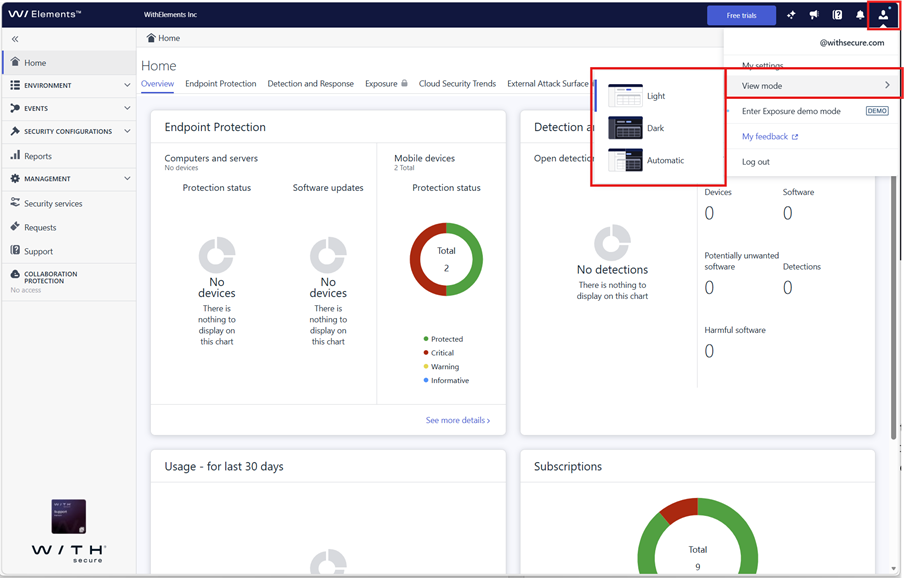
We are happy to introduce Dark Mode in the Elements portal. This much-requested feature gives users a more comfortable viewing experience in low-light environments, supports work in control rooms and during night shifts, and offers another way to personalize the interface based on individual preference.
Background
Dark Mode has been one of the most requested improvements for the Elements portal for some time. Many users spend long periods in the portal in environments where bright interfaces can be distracting or tiring, especially in control rooms or during work in darker settings. With this update, the interface can now be viewed in a darker color scheme that feels easier on the eyes while keeping the familiar Elements experience.
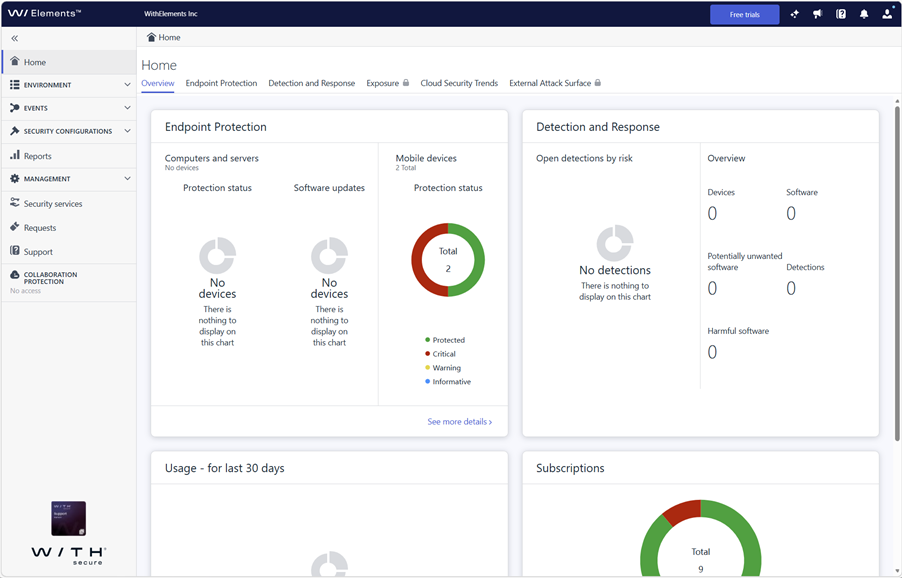
What does this change for you?
Dark Mode gives you more flexibility in how you use the Elements portal. You can switch to a darker interface when working in low lighting, when monitoring activity in control room setups, or whenever you simply prefer a darker visual style. The goal is to make everyday use more comfortable without changing how you navigate or use the product.
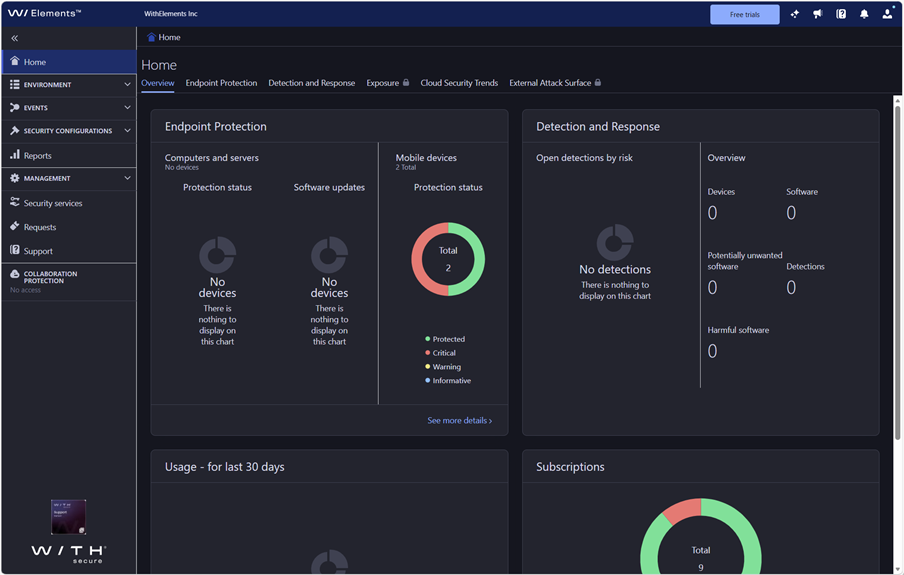
How to get started
Getting started is simple. Open your user profile menu in the Elements portal and use the selector to switch between Light Mode and Dark Mode. The change takes effect directly in the portal, making it easy to choose the view that works best for your environment and personal preference.