New release include updates related to Identity views, reports, XM Recommendations, XM Findings and Devices views
Identity
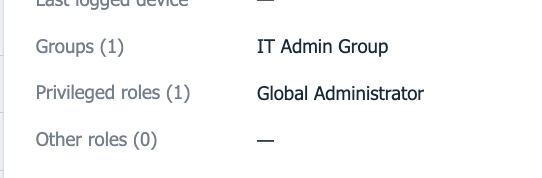
Identity Details –> Entra Group Membership
Entra group membership is now visible in the Identity details pop-up, complementing the already-available Entra roles view.
Reports
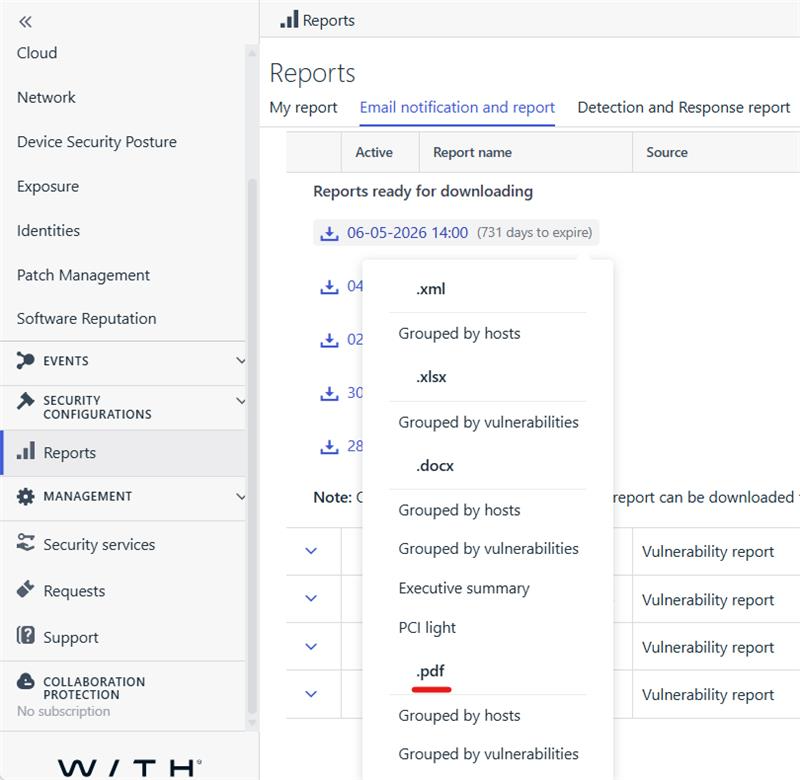
XM vulnerabilities reports are now available in pdf format
Elements Vulnerability Management Reports, accessible from Reports -> Email notification and report menu are now also downloadable in pdf format from the same context menu as before.
Note: This applies to only newly generated reports where the pdf.
Devices
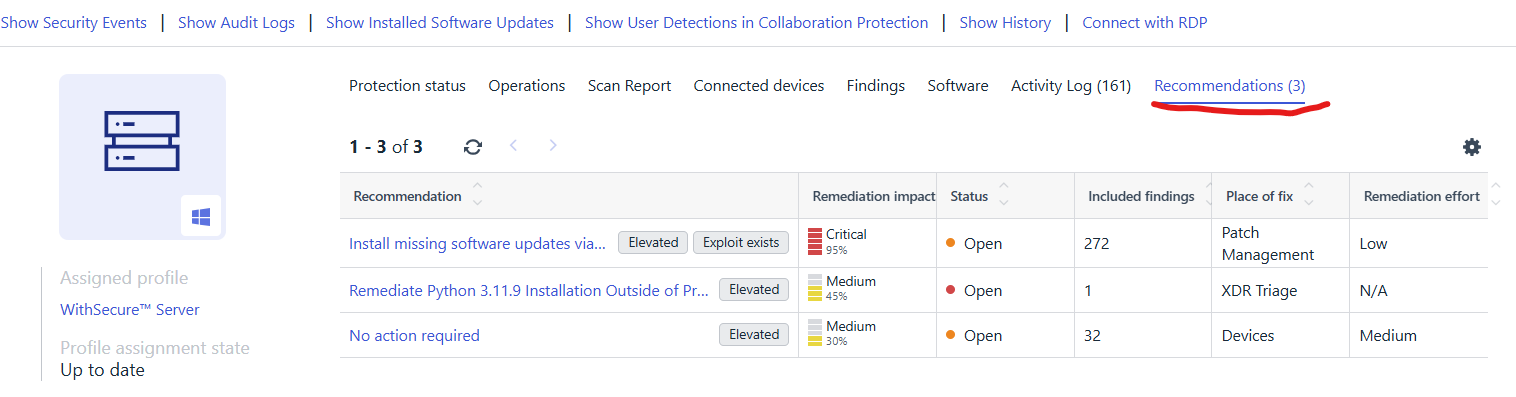
Device details page features recommendations list
The device details page Environment → Devices → (Computers & Unmanaged devices) features a new tab for showing XM recommendations only for the selected device.
Note: This tab lists only open recommendations (status category = Open)
Recommendations and Findings
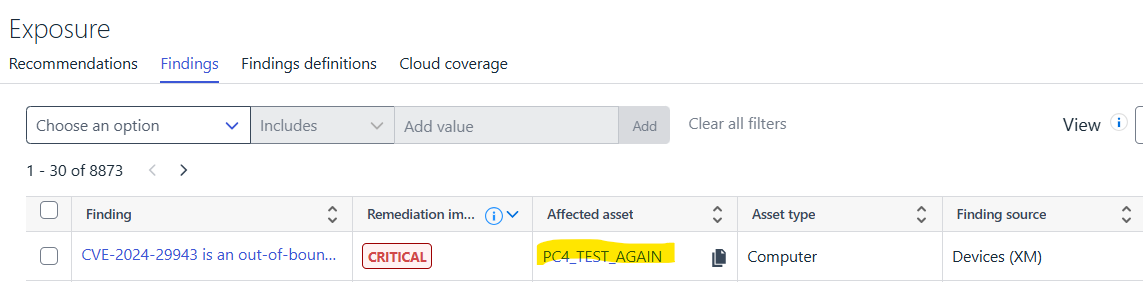
Direct navigation from Finding instances to the affected device view is now possible.
Affected asset of the Environment -> Exposure -> Findings view has a hyperlink which opens the details view of the affected asset in a new browser tab.
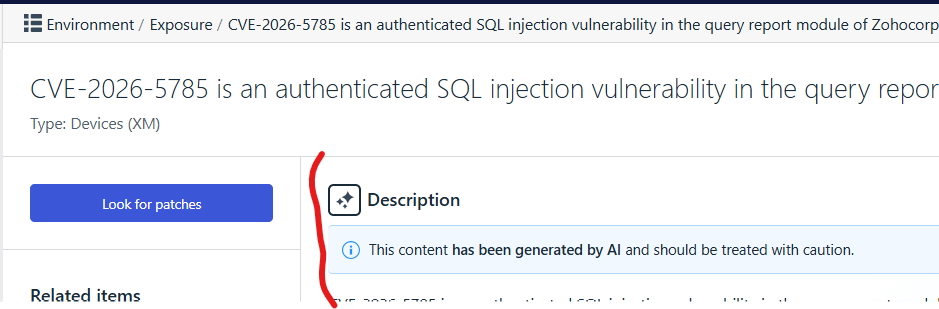
CVE-based findings being part of any Attack Paths, get an enhanced AI-generated description.
Finding details page, explicitly shows an icon to indicate whether the description is AI-generated. e.g:
Note: Not available to all CVEs, only if CVE is part of any attack paths to help with understanding the attack path step
Device Security posture issues are now advised in XM as recommendations (requires EPP license).
In case of EPP subscription is already active for a company, security posture issues are already visible via Elements portal at Environment -> Device Security Posture menu. However if the company has XM subscription on top of EPP, all device security posture issues now presented also as XM recommendations. This will help with how to prioritize device security posture recommendations over all other recommendations.
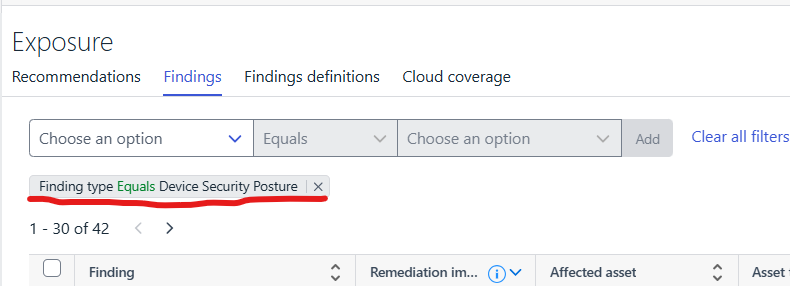
Device Security Posture recommendations are visible from Environment -> Exposure -> Recommendations list view also their Findings from Environment -> Exposure -> Findings by applying filter FindingType = 'Device Security Posture'
Note: Security Posture Recommendations are only guaranteed for the newly found device posture issues which are created after the date of this release.