Hello,
We are currently experiencing a serious issue on several Windows workstations since the latest WithSecure EDR update combined with recent Windows Updates.
It looks like a potential conflict between WithSecure EDR / Microsoft Defender and the latest Windows build.
Issue description
After unlocking or logging into a Windows session, the user is faced with:
A black screen
No taskbar
No Start menu
Applications do not respond
Keyboard shortcuts (Ctrl+Alt+Del, Win+X, etc.) are ineffective
The system is not usable at all
The session seems to load partially, but Explorer never initializes.
Temporary workaround
The only workaround we have found so far is the following:
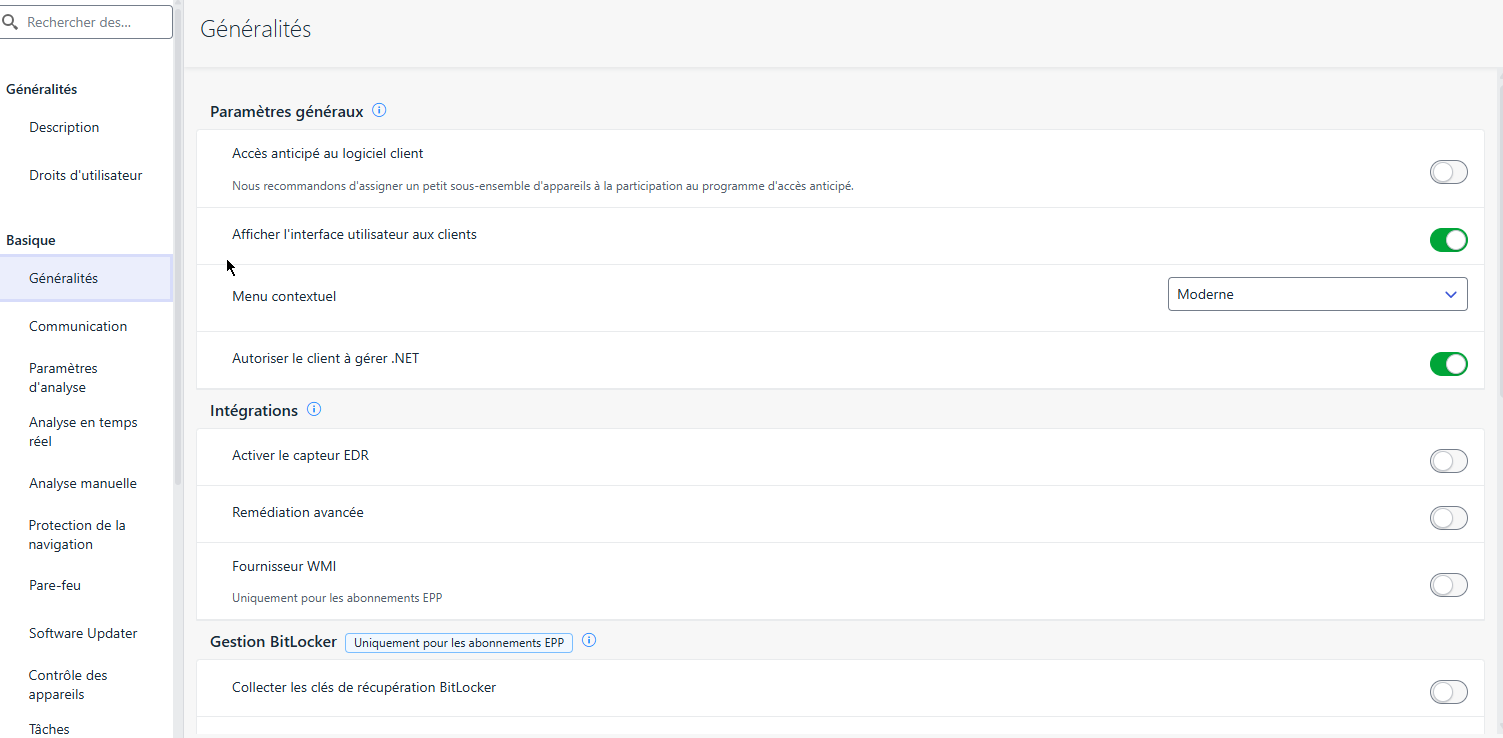
Disable antivirus protection in the WithSecure profile / policy
Immediately after disabling protection, the desktop, taskbar and applications load normally
Re-enabling protection brings the issue back on the next logon/unlock
This strongly suggests an AV/EDR-related conflict at session startup.
Environment (overview)
OS: Windows 10 / Windows 11 (fully up to date)
WithSecure products: WithSecure EDR (antivirus + EDR enabled)
Microsoft Defender: present (standard Windows Defender coexistence)
Domain environment (AD-joined machines)
Issue occurs after recent Windows + WithSecure updates
Additional observations
The issue happens only when antivirus protection is enabled
No obvious blocking popup or alert is shown
No usable error message on screen, only a black session
Happens at logon or unlock, not necessarily after boot
Questions
Has anyone else experienced a black screen / broken user session after recent WithSecure and Windows updates?
Is there a known incompatibility between WithSecure EDR and Microsoft Defender in recent builds?
Are there any recommended exclusions, hotfixes, or configuration changes to avoid this behavior?
Any specific logs (fsdiag, WithSecure logs, Windows event IDs) we should focus on?
Any feedback or similar experiences would be greatly appreciated, as this issue has a major impact on users.
Thank you in advance.
Best regards,